· Dmitri Pavlutin · Shopify Tutorials · 4 min read
How to Cancel Shopify App Subscription to Stop Being Charged
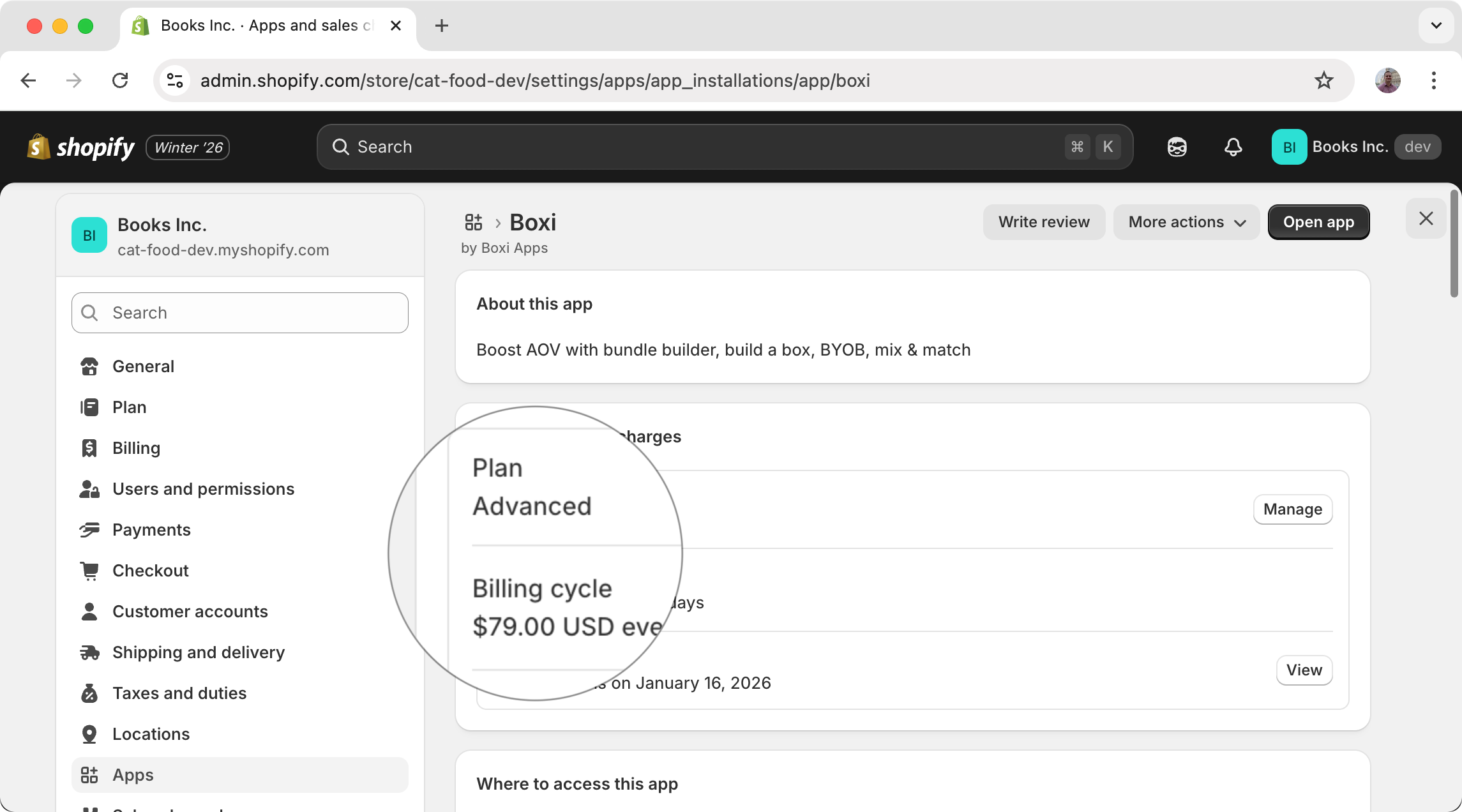
You’ve installed a Shopify app and subscribed to a time-based plan (monthly or yearly). Tried it for some time but then decided it’s not solving your problem.
How to cancel the subscription and make sure you’re not billed afterward? Let’s find out!
Note: the guide applies to app subscriptions managed by Shopify. It does not apply to apps that bill outside the Shopify platform.
Contents
1. Uninstall the app to cancel the subscription
The Shopify billing system automatically cancels the subscription when the app is uninstalled. This is done automatically by Shopify itself and the app cannot interfere in the process.
Thus, the best way to cancel the subscription of a Shopify app is to uninstall the app from your store.
You need to take just a few steps to uninstall the app:
- Log in to your Shopify store admin
- Locate the app’s admin dashboard
- Click the 3 dots … icon in the top right corner
- Click Uninstall from the opened menu, and then confirm the uninstall
- The subscription is automatically cancelled by Shopify. Done!
Some apps are not embedded in the Shopify admin, but are rather hosted on their own external platform. In such cases, take the following steps:
- Visit the installed apps list in Shopify admin
- Locate in the list the app you want to cancel the subscription for
- Click the 3 dots … icon on the right side
- Click Uninstall and then confirm the uninstall
- The subscription is automatically cancelled by Shopify. Done!
2. Am I going to be charged?
After uninstalling the app and canceling the subscription, you might be charged just once more depending on when you’ve uninstalled the app.
Let’s dive into the possible situations.
Uninstalled during the free trial
Almost every app in the Shopify app store offers a free trial period (usually from 7 to 14 days) to test the app’s capabilities.
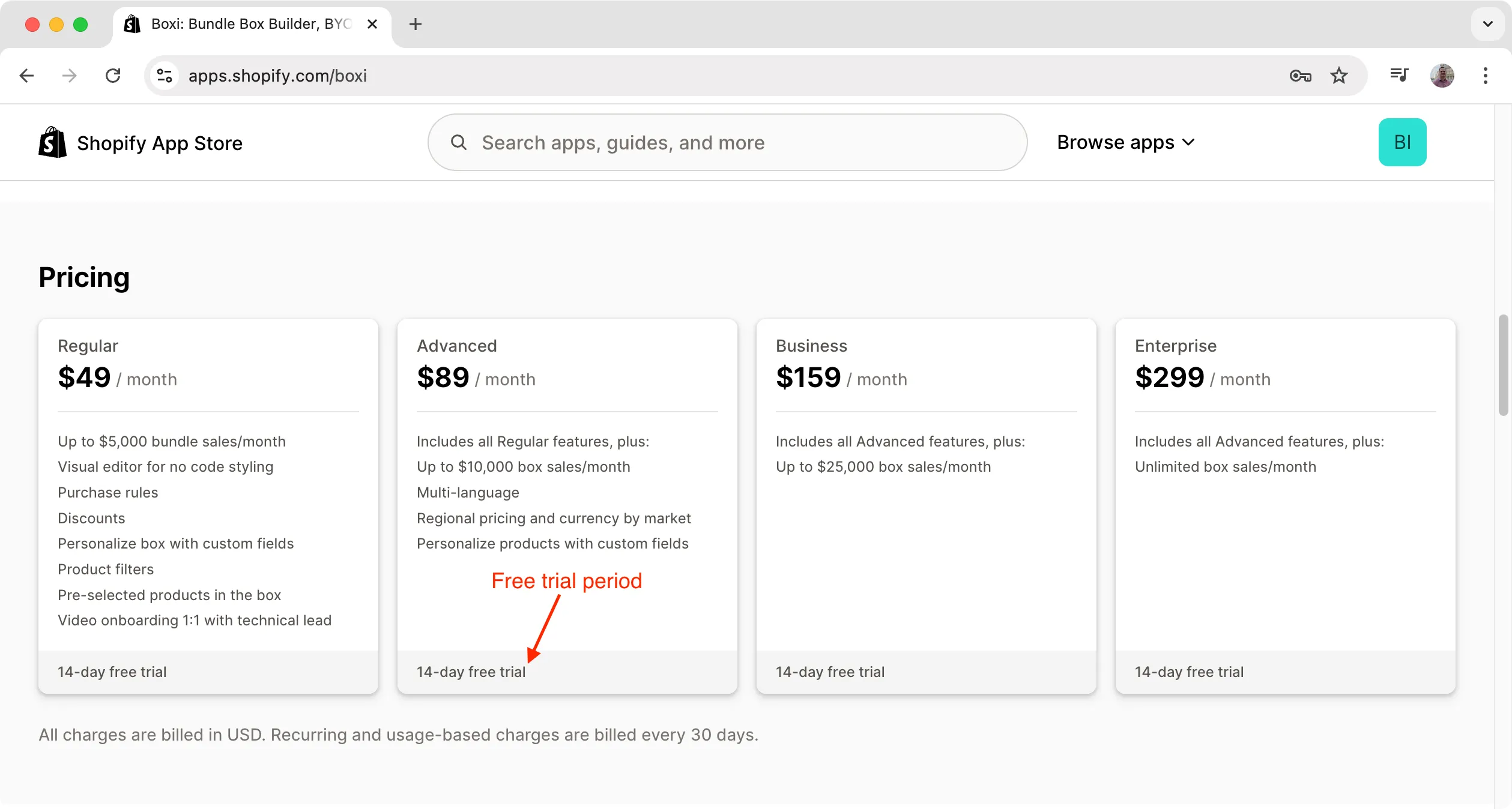
If you’ve uninstalled the app during the free trial period, then you won’t be charged.
When installing multiple apps to check their capabilities on your store, always keep track of their trial periods to make sure you uninstall the app during the free trial.
Here’s a tip that helps me every time.
Right after installing the app (or any other service which offers a free trial) I create a google calendar task “Trial period of [app-name] ends” on the day when the trial ends to make sure I uninstall the app if I don’t need it.
Uninstalled during an active billing period
Stores in Shopify are charged for app usage in 30-day billing period cycles.
Let’s say that you’ve installed an app on March 18. The app has a free trial of 14 days and you subscribed to a $49/month plan.
If you’ve uninstalled the app on April 30, then you are charged once $49 (for April 1 - April 30 billing period). On April 1 Shopify starts charging because the 14-day free trial ends on April 1.
If you’ve uninstalled the app on April 15, then you are still charged once $49 (for April 1 - April 30 billing period).
Even if you’ve uninstalled the app on April 2, then you are still charged once $49 (for April 1 - April 30 billing period). As soon as the store enters a new billing period, Shopify charges for the entire 30-day period even if you’ve uninstalled earlier, before the period ends.
If you’ve uninstalled the app on the 5th of May, then you are charged $98 for 2 billing periods (for April 1 - April 30 and May 1 - May 30).
Shopify apps have no influence on how Shopify bills stores for the subscriptions. If you forgot to cancel your subscription and the trial passed, simply contact the app’s customer support and ask for a refund (most apps offer refunds).
3. Conclusion
The best way to cancel an app subscription is to simply uninstall the app. Shopify automatically cancels any subscription when the app is uninstalled.
Canceling the subscription during the free trial is the best way to avoid any charges.
After the free trial ends, Shopify charges stores in 30-day billing cycles. So you might get one additional charge depending on when you’ve uninstalled the app.